
Great to have you with us! This page shows you step by step how to book the course, sign in, and find your recordings and handouts. It only takes a few minutes.
1. Book the course
The Live KP Course with Dr. Fadi Jarbouh runs live on Zoom from 01.11.2026 to 31.03.2027. Every session is recorded, so you never miss anything.
Open Book the course and tap “Book now” on the option you want. All prices include taxes:
- Full payment: € 750
- Full package: € 1,500
- 2 installments: € 375 today and € 375 after 30 days (€ 750 in total)

2. Your details
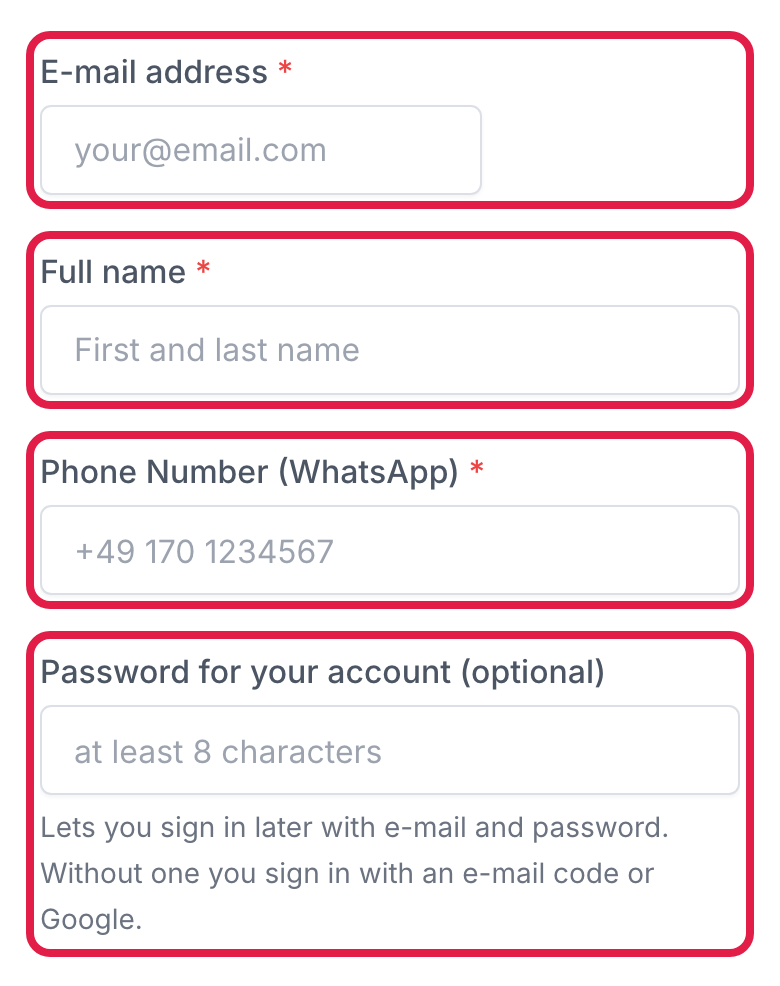
Enter your e-mail address, your name and your phone number (WhatsApp). You will sign in with this e-mail address later. If you like, set a password right away (at least 8 characters). You can also do this later.
Your billing address comes next.
3. Pay
Choose Card or Klarna. Then tick both boxes: you accept the terms and agree that your course may start right away. Finally tap “zahlungspflichtig bestellen” (it means “order with obligation to pay”). Done!

With 2 installments, the second one is charged automatically after 30 days. You don’t need to do anything.
Shortly afterwards you get two e-mails: your booking confirmation from APPROUVA (with contract and terms) and your payment receipt. Your account is already set up.
4. Sign in
Tap “Login” at the top (on a phone it is in the ☰ menu) or open Sign in. Please don’t use “Register now” in the bar at the very top, that one is for booking. There are three ways, and they all lead to the same course:
- Enter your e-mail and password and tap “Sign in”.
- “Continue with Google”, using the Google account with the same e-mail address as your booking.
- “Without a password: get a login code by e-mail”: you get a 6-digit code by e-mail. The code is valid for 10 minutes.

5. Set a password
No password yet, or forgot it? On the sign-in page tap “Set a password”, enter your e-mail address and tap “Send link”. Use the link in the e-mail to choose your password. The link is valid for 24 hours.

No e-mail? Have a quick look in your spam folder.
6. My classes
After signing in you will see “My classes” at the top (on a phone in the ☰ menu). Everything is in one place: under “Live sessions” and “Zoom access” you find all you need for the live sessions. Below, under “Recordings & handouts”, you see the next live session and every session as its own card, sorted by subject.

7. Watch a recording
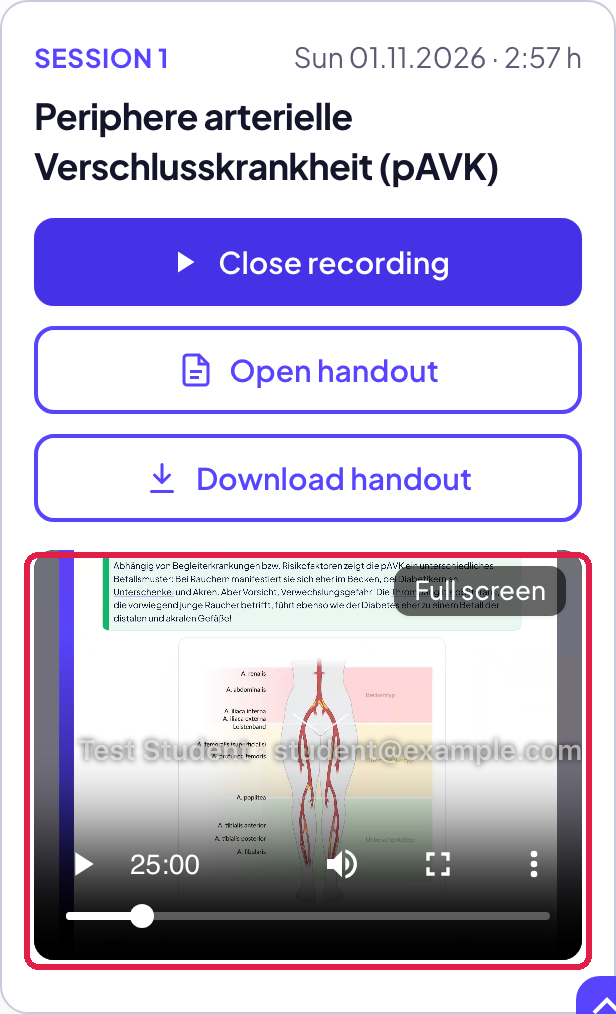
After each session the recording is added by itself. Tap “Watch recording” and the video opens right inside the card. “Full screen” makes it big, “Close recording” closes it again. Your name and e-mail address run lightly over the video, because the recordings are just for you.
8. Handouts (PDF)
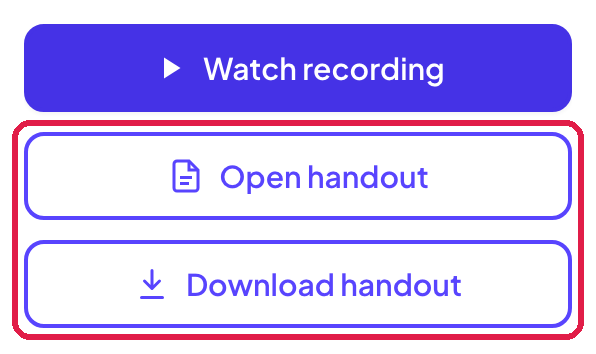
If a session has a handout, you will find it in the same card. “Open handout” opens it in your browser, “Download handout” saves it on your device.
9. Invoices and signing out
At the very bottom of “My classes” you find “Invoices & orders”, where your invoice is ready as a PDF at any time. Next to it is “Log out”.
Questions?
Just write to us at info@approuva.com. We are happy to help.